
- Feb 20, 2026
- 11 min read
How to Build a Social Media Engagement Strategy That Actually Works (With AI Assistance)
Engagement is the currency of social media growth. This guide breaks down the science of meaningful interactions and shows how AI tools turn strategy into daily practice.
Social media engagement is not a vanity metric — it is the mechanism through which platforms decide who sees your content. Data from the Pew Research Center shows that a minority of highly active users generate the majority of content and interactions on every major platform. If you are not part of that active minority, your posts are statistically invisible. The Harvard Business Review has covered extensively how engagement rate — not follower count — is the primary predictor of account growth and business impact on social platforms. This guide breaks down what an effective engagement strategy looks like in practice and how AI tools remove the biggest bottleneck: time.
The foundation of any engagement strategy is the daily engagement block. Gary Vaynerchuk popularised this concept with his '$1.80 strategy' — leaving your 'two cents' on 90 posts per day across nine hashtags on Instagram. The principle is sound: consistent, thoughtful commenting exposes your profile to new audiences and builds reciprocal relationships. The problem is execution. At two minutes per comment, 90 posts means three hours of work before you have created any of your own content. This arithmetic is exactly why most people abandon their engagement strategy within two weeks.
AI-assisted engagement changes the economics without changing the principle. ForSocials' Reply Guy feature generates three contextual reply suggestions for any post on Instagram, Facebook, or X — but the human always makes the final call. You read the suggestion, edit it to add your personal touch, and post. What used to take two minutes per reply takes twenty seconds, which means you can engage with 50 to 100 posts in the same time you previously spent on 15. The FTC guidelines on social media endorsements are clear that authentic engagement is the only sustainable approach, and AI-assisted tools support that by keeping you in the driver's seat rather than automating the entire process.
Creating content is the other half of the engagement equation. Platforms reward accounts that both create and interact. ForSocials' Threads feature turns a single idea into a seven-post thread optimised for reach on X, while the Rewriter helps you polish any text before publishing. Think Media and other content strategy channels on YouTube have consistently demonstrated that thread-format content outperforms single posts by a wide margin — the sequential structure keeps readers engaged longer, which signals to the algorithm that your content deserves wider distribution.
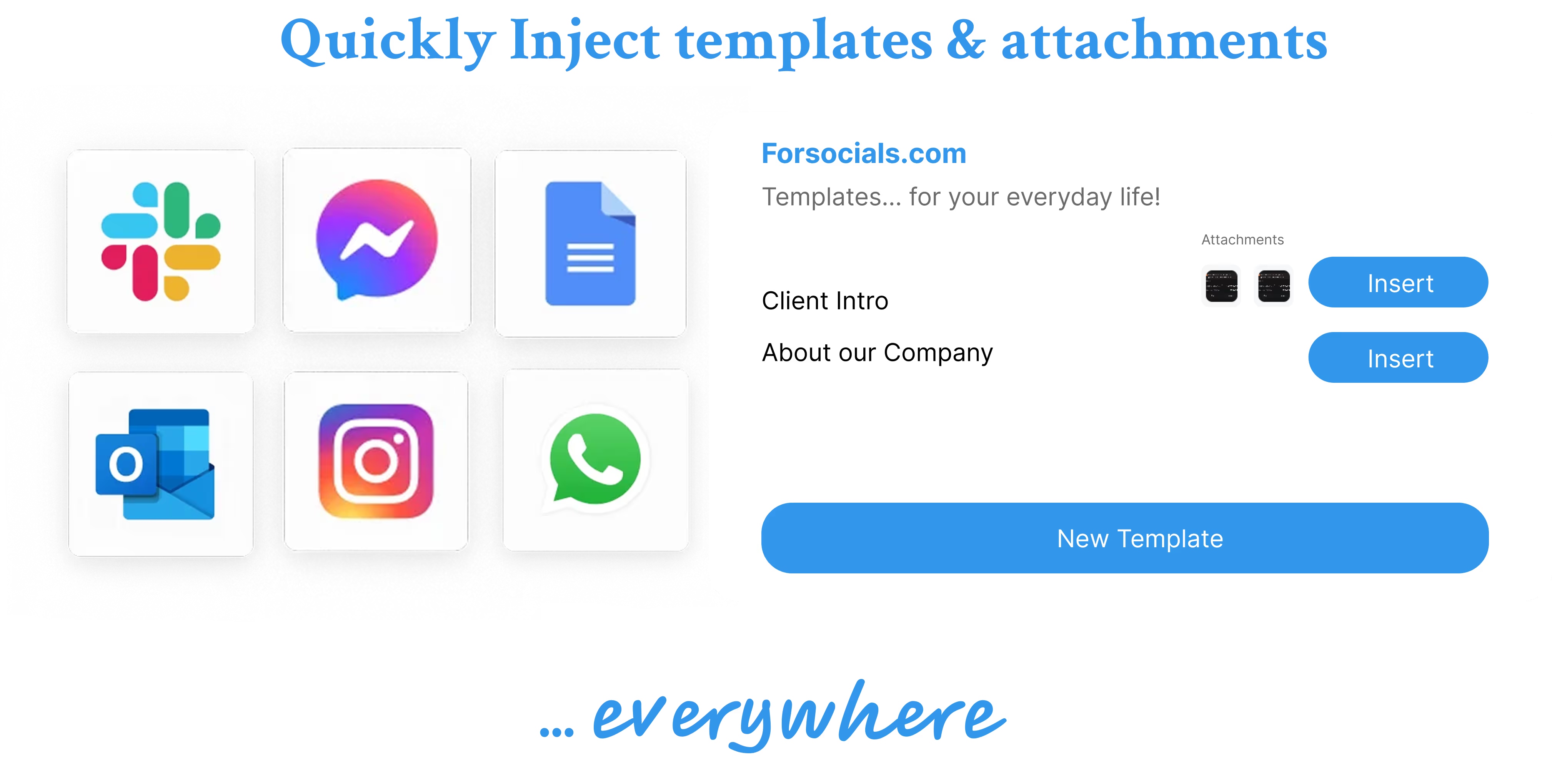
Consistency and templates are the operational backbone. Every professional who maintains a strong social media presence has a library of response patterns — congratulations for achievements, support for challenges, thoughtful disagreements, and thank-you responses. ForSocials' Templates feature lets you save these patterns and rewrite them with AI before pasting, ensuring your responses feel fresh even when they follow a familiar structure. Combine this with the Chat with AI feature for brainstorming content ideas on any webpage, and you have a complete system that runs inside your browser.
Measure what matters. Track profile visits per week (are people clicking through from your comments?), follower growth rate (not absolute numbers), DM conversations started (the real indicator of relationship depth), and your own content's engagement rate over time. Most professionals see measurable results within three to four weeks of consistent AI-assisted engagement. The strategy is not complicated — engage daily, create threaded content regularly, save your best responses as templates, and let AI handle the heavy lifting on first drafts. **Start with ForSocials' free plan — all six tools, no account needed, all data stored locally.**
Sources & Further Reading
Was this post helpful?
Explore Related Features
Reply Guy
Generate contextual replies on Instagram, Facebook, X, LinkedIn and Reddit with this AI reply generator. ForSocials shows Agree, Disagree, and Congratulate buttons below each post so you can respond instantly with AI-generated replies. Each click gives you 3 suggestions tailored to the conversation.
Learn MoreRelated workflows
If you want to go deeper, explore AI reply generator , AI Chrome extension and AI thread generator to connect this topic to the broader ForSocials workflow.
Related articles
The AI Rewriter That Gives You 3 Professional Alternatives in Seconds
Nov 26, 2025
AI Email Rewriter for Outreach, Follow-Ups, and Professional Messages
Apr 9, 2026
Chat with AI on Any Website — Without Opening a New Tab
Dec 3, 2025
How to Write Better LinkedIn Replies With AI Without Sounding Generic
Apr 11, 2026
Why Your Emails Sound Wrong (And the AI Fix That Takes 10 Seconds)
Dec 10, 2025

How Browser-Based AI Transcription Is Replacing Clunky Desktop Software for Meetings and Lectures
Dec 28, 2025
Why Most AI Writing Tools Are Quietly Training on Your Emails (And What to Do About It)
Dec 10, 2025

AI Writing Workflows That Save Time Without Making Your Writing Sound Robotic
Apr 5, 2026
Reply Guy: How AI-Powered One-Click Replies Are Changing Social Media Engagement
Nov 12, 2025
Best AI Chrome Extension for LinkedIn Prospecting and Faster Outreach Workflows
Apr 9, 2026
Best AI Tools for Social Media Engagement When You Want Faster Replies and Better Flow
Apr 4, 2026
The 7 Best AI Chrome Extensions for Productivity in 2025 (Tested and Compared)
Feb 5, 2026
Best LinkedIn Comment Examples for More Engagement Without Sounding Forced
Apr 12, 2026

Best X Reply Examples for Faster Engagement Without Sounding Forced
Apr 14, 2026
Browser AI Assistant vs Switching Tabs: Which Workflow Actually Saves Time?
Apr 8, 2026

The Science Behind Viral Threads: How AI-Generated Thread Structures Outperform Single Posts on X
Jan 15, 2026
Canned Responses for Customer Support That Still Feel Human
Apr 7, 2026
Stop Switching Tabs: How to Use AI While You Browse (Without Losing Your Place)
Dec 10, 2025
How to Answer Reddit Threads More Helpfully With AI
Apr 14, 2026
How to Build a Better Instagram Caption Workflow With AI
Apr 14, 2026
How to Build a Better X Reply Workflow With AI
Apr 14, 2026
How to Build a Reusable Support Reply Library That Saves Time Every Week
Apr 8, 2026
How to Comment on Instagram Posts Consistently Without Burning Out
Apr 11, 2026
How to Reply on X Faster Without Sounding Like Everyone Else
Apr 14, 2026
How to Rewrite Follow-Up Emails With AI So They Sound Clearer and More Professional
Apr 10, 2026
How to Turn Rough Notes Into LinkedIn Posts With AI
Apr 14, 2026
How to Use AI for Reddit Replies Without Sounding Fake
Apr 14, 2026
How to Write Instagram Captions Faster With AI
Apr 14, 2026
How to Write LinkedIn Posts With AI That Still Sound Like You
Apr 14, 2026
How to Write X Threads Faster Without Losing Structure
Apr 5, 2026
Instagram Caption Examples That Are Better Than Basic Prompts
Apr 14, 2026
Instagram Comment Strategy for Creators: How to Engage Faster Without Repeating Yourself
Apr 10, 2026
LinkedIn Post Examples for Thought Leadership That Don't Sound Fake
Apr 14, 2026
Meeting Transcription in the Browser: A Faster Workflow for Notes and Follow-Ups
Apr 6, 2026
Templates: Save, Reuse, and Never Type the Same Response Twice
Nov 19, 2025
Reddit Comment Examples That Feel Helpful, Not Generic
Apr 14, 2026
How to Reply to 50 Social Media Posts in Under 10 Minutes (Without Sounding Like a Bot)
Dec 10, 2025
The Hidden Cost of Typing the Same Message Twice (and How to Stop)
Dec 10, 2025
Speech to Text for Meetings Without Leaving the Browser
Apr 7, 2026
How to Turn Notes Into an X Thread With AI
Apr 6, 2026