
- Nov 26, 2025
- 4 min read
The AI Rewriter That Gives You 3 Professional Alternatives in Seconds
Learn how ForSocials' Rewriter tool transforms any text into 3 professionally rewritten variations. Perfect for emails, social posts, reports, and chats — all from your browser.
How much time do you spend rephrasing emails, tweaking social posts, or polishing reports? For most professionals, editing takes longer than writing. ForSocials' Rewriter changes that entirely. Enter any text, click rewrite, and get 3 professionally rewritten suggestions in seconds.
The Rewriter doesn't just swap synonyms. It understands the meaning and purpose of your text, then restructures sentences for clarity, impact, and readability while preserving your core message. Each of the 3 variations offers a different angle — more formal, more concise, or more engaging — so you can pick the perfect tone for your audience.
The beauty of the Rewriter is that it works everywhere you write. Email drafts, Slack messages, social posts, cover letters, customer support replies, reports — you name it. Because it lives inside the ForSocials navbar in your browser, you never need to open a new tab or switch to a separate app. Just type, rewrite, copy, and paste. If you want to see the bigger picture, our AI Chrome extension page explains how the full browser workflow fits together.
One of the most popular use cases is professional communication. Instead of spending 10 minutes agonising over whether your email sounds too casual or too aggressive, let the Rewriter give you 3 options and pick the best one. It's especially useful for non-native English speakers who want to sound polished and professional with zero effort.
The Rewriter is available from the AI Navbar that ForSocials overlays onto your browser. It's one of four tools built into the extension — alongside Reply Guy, Chat with AI, and Templates. All data is processed locally and never stored, so your text stays completely private. **Try the ForSocials Rewriter today — add it to Chrome for free.**
Was this post helpful?
Explore Related Features
Rewriter
Rewrite text instantly with this AI rewriter. Enter any sentence, email, or message and get 3 professionally rewritten versions with different tones. Perfect for emails, chats, reports, and social posts. Copy the one you like and paste it anywhere.
Learn MoreRelated workflows
If you want to go deeper, explore AI Chrome extension and AI rewriter to connect this topic to the broader ForSocials workflow.
Related articles
AI Email Rewriter for Outreach, Follow-Ups, and Professional Messages
Apr 9, 2026
Chat with AI on Any Website — Without Opening a New Tab
Dec 3, 2025
How to Write Better LinkedIn Replies With AI Without Sounding Generic
Apr 11, 2026
Why Your Emails Sound Wrong (And the AI Fix That Takes 10 Seconds)
Dec 10, 2025

How Browser-Based AI Transcription Is Replacing Clunky Desktop Software for Meetings and Lectures
Dec 28, 2025
Why Most AI Writing Tools Are Quietly Training on Your Emails (And What to Do About It)
Dec 10, 2025

AI Writing Workflows That Save Time Without Making Your Writing Sound Robotic
Apr 5, 2026

Reply Guy: How AI-Powered One-Click Replies Are Changing Social Media Engagement
Nov 12, 2025

Best AI Chrome Extension for LinkedIn Prospecting and Faster Outreach Workflows
Apr 9, 2026
Best AI Tools for Social Media Engagement When You Want Faster Replies and Better Flow
Apr 4, 2026
The 7 Best AI Chrome Extensions for Productivity in 2025 (Tested and Compared)
Feb 5, 2026
Best LinkedIn Comment Examples for More Engagement Without Sounding Forced
Apr 12, 2026

Best X Reply Examples for Faster Engagement Without Sounding Forced
Apr 14, 2026
Browser AI Assistant vs Switching Tabs: Which Workflow Actually Saves Time?
Apr 8, 2026

The Science Behind Viral Threads: How AI-Generated Thread Structures Outperform Single Posts on X
Jan 15, 2026
Canned Responses for Customer Support That Still Feel Human
Apr 7, 2026
Stop Switching Tabs: How to Use AI While You Browse (Without Losing Your Place)
Dec 10, 2025
How to Answer Reddit Threads More Helpfully With AI
Apr 14, 2026
How to Build a Better Instagram Caption Workflow With AI
Apr 14, 2026
How to Build a Better X Reply Workflow With AI
Apr 14, 2026
How to Build a Reusable Support Reply Library That Saves Time Every Week
Apr 8, 2026
How to Comment on Instagram Posts Consistently Without Burning Out
Apr 11, 2026
How to Reply on X Faster Without Sounding Like Everyone Else
Apr 14, 2026
How to Rewrite Follow-Up Emails With AI So They Sound Clearer and More Professional
Apr 10, 2026
How to Turn Rough Notes Into LinkedIn Posts With AI
Apr 14, 2026
How to Use AI for Reddit Replies Without Sounding Fake
Apr 14, 2026

How to Write Instagram Captions Faster With AI
Apr 14, 2026
How to Write LinkedIn Posts With AI That Still Sound Like You
Apr 14, 2026
How to Write X Threads Faster Without Losing Structure
Apr 5, 2026
Instagram Caption Examples That Are Better Than Basic Prompts
Apr 14, 2026
Instagram Comment Strategy for Creators: How to Engage Faster Without Repeating Yourself
Apr 10, 2026
LinkedIn Post Examples for Thought Leadership That Don't Sound Fake
Apr 14, 2026
Meeting Transcription in the Browser: A Faster Workflow for Notes and Follow-Ups
Apr 6, 2026
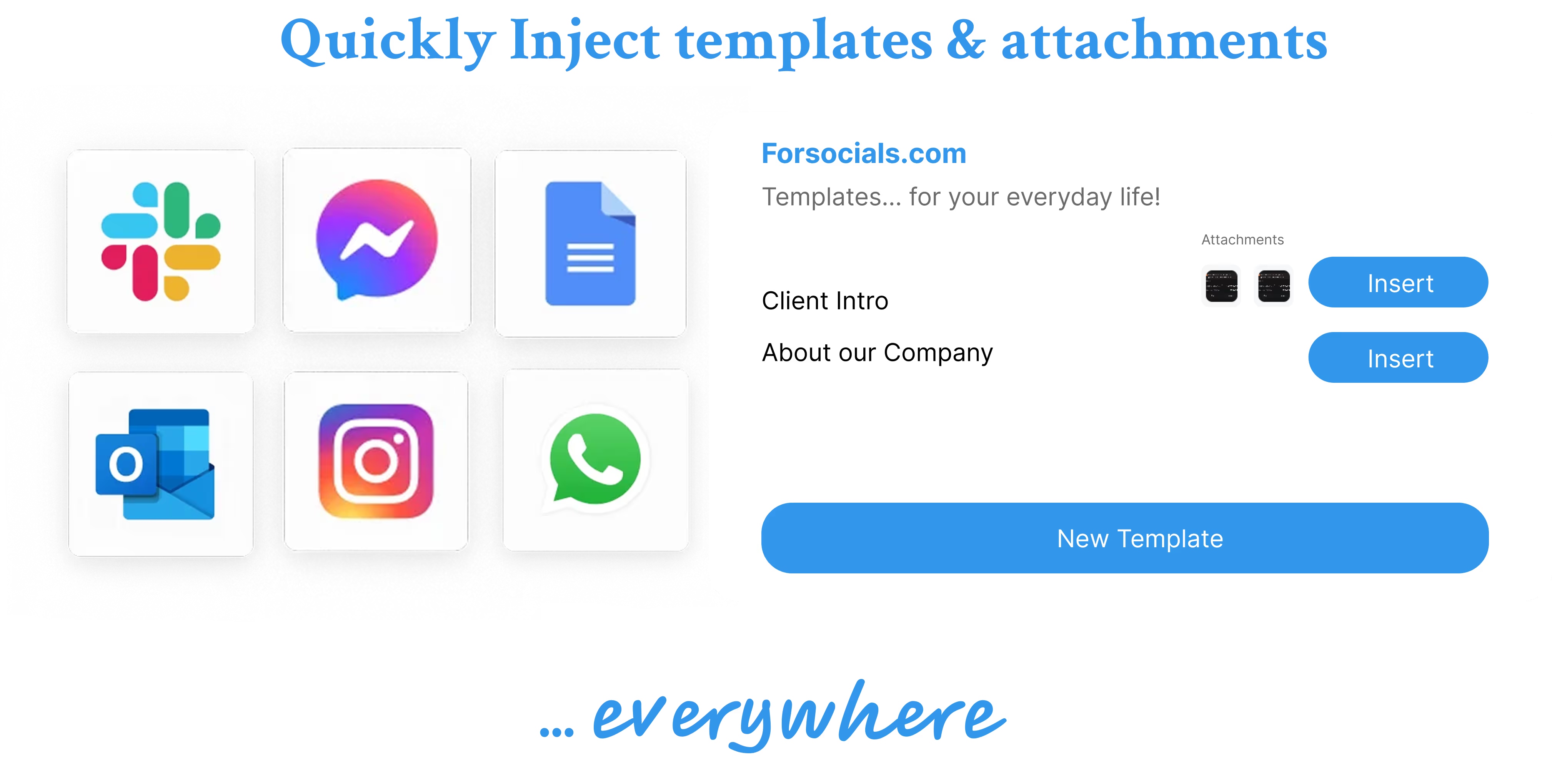
Templates: Save, Reuse, and Never Type the Same Response Twice
Nov 19, 2025
Reddit Comment Examples That Feel Helpful, Not Generic
Apr 14, 2026
How to Reply to 50 Social Media Posts in Under 10 Minutes (Without Sounding Like a Bot)
Dec 10, 2025
The Hidden Cost of Typing the Same Message Twice (and How to Stop)
Dec 10, 2025
How to Build a Social Media Engagement Strategy That Actually Works (With AI Assistance)
Feb 20, 2026
Speech to Text for Meetings Without Leaving the Browser
Apr 7, 2026
How to Turn Notes Into an X Thread With AI
Apr 6, 2026