
- Dec 10, 2025
- 7 min read
How to Reply to 50 Social Media Posts in Under 10 Minutes (Without Sounding Like a Bot)
Most professional emails fail not because of what they say but how they say it. Learn how AI rewriting gives you three polished alternatives in seconds — without losing your message.
Social media engagement is one of the highest-ROI activities a professional can do — and one of the most time-consuming. Research from MIT Sloan Management Review shows emotional engagement drives three times more value than purely transactional interactions. But for most people, keeping up with dozens of posts daily feels impossible. This guide covers practical strategies for replying meaningfully and fast — including how an AI reply generator can help you engage at scale without sacrificing quality.
When you leave a thoughtful comment on a post, three things happen. The author notices you and often follows back or checks your profile. Other readers of that post see your comment — effective exposure to a warm audience. And platform algorithms reward accounts that actively engage, often boosting your own content's reach. Research from the Pew Research Center consistently shows that active participants — not passive scrollers — build the strongest networks on social platforms. The problem is arithmetic: if you spend two minutes on each reply and want to engage with 30 posts daily, that's an hour gone before you've done any actual work.
Not all replies are equal. The Agreement reply works when you support the post's main point and want to add credibility — the key is adding a specific observation, not just 'Great point!' The Counterpoint reply is the highest-risk, highest-reward type: done well, it gets the most engagement and positions you as a genuine thinker. The Congratulations reply celebrates someone's achievement — the key is making it personal rather than template-like by referencing something specific about their work.
The professionals who build the strongest social networks don't reply whenever inspiration strikes — they have a system. Define a list of 30–50 accounts in your niche and set a 15–20 minute daily time block in the morning. This is where tools like Reply Guy change the economics of engagement: when you click Agree, Disagree, or Congratulate on a post, you instantly get three contextual suggested replies. You edit the best one to match your voice — turning a two-minute task into a 20-second one. Always personalise before posting: edit every suggestion to include at least one specific detail from the original post.
The newer layer that makes this workflow more useful is memory. If you save a few short examples in the "Write how you'd say it" field, the tool can pull relevant past replies and draft against your usual tone, directness, and sentence rhythm without copying your old phrasing. That makes the suggestion feel more like a first draft you would actually write, not just a generic comment starter.
Platform differences matter. On Instagram, comment length is weighted by the algorithm — short 'Nice!' comments are largely invisible, so aim for at least two sentences. On Facebook, groups carry more weight than personal profiles. On X, speed matters most: replying within the first 30–60 minutes of a post going live gets you visibility while it's still climbing. The context layer matters too: on X thread pages the tool can look at the original post, parent reply, and current reply, while on Reddit nested replies it can use the original post plus up to two parent replies before drafting. Across all platforms, avoid generic agreement without substance, self-promotion in replies, and any form of automated posting — which violates the terms of service of every major platform.
Track these metrics weekly to know whether your engagement is working: profile visits (do they spike after engagement sessions?), new followers (are engaged people following back?), DM conversations started (the real indicator of relationship depth), and your own content's reach. Most people see measurable results within 2–3 weeks of consistent engagement if they're replying with genuine, specific comments. If you want a dedicated breakdown of the workflow, visit our AI reply generator page. **Ready to cut your engagement time by 85%? Try Reply Guy free — no account needed.**
Was this post helpful?
Explore Related Features
Reply Guy
Generate contextual replies on Instagram, Facebook, X, LinkedIn and Reddit with this AI reply generator. ForSocials shows Agree, Disagree, and Congratulate buttons below each post so you can respond instantly with AI-generated replies. Each click gives you 3 suggestions tailored to the conversation.
Learn MoreRelated workflows
If you want to go deeper, explore AI reply generator , AI Chrome extension and Instagram comments to connect this topic to the broader ForSocials workflow.
Related articles
The AI Rewriter That Gives You 3 Professional Alternatives in Seconds
Nov 26, 2025
AI Email Rewriter for Outreach, Follow-Ups, and Professional Messages
Apr 9, 2026
Chat with AI on Any Website — Without Opening a New Tab
Dec 3, 2025
How to Write Better LinkedIn Replies With AI Without Sounding Generic
Apr 11, 2026
Why Your Emails Sound Wrong (And the AI Fix That Takes 10 Seconds)
Dec 10, 2025

How Browser-Based AI Transcription Is Replacing Clunky Desktop Software for Meetings and Lectures
Dec 28, 2025
Why Most AI Writing Tools Are Quietly Training on Your Emails (And What to Do About It)
Dec 10, 2025

AI Writing Workflows That Save Time Without Making Your Writing Sound Robotic
Apr 5, 2026
Reply Guy: How AI-Powered One-Click Replies Are Changing Social Media Engagement
Nov 12, 2025
Best AI Chrome Extension for LinkedIn Prospecting and Faster Outreach Workflows
Apr 9, 2026
Best AI Tools for Social Media Engagement When You Want Faster Replies and Better Flow
Apr 4, 2026
The 7 Best AI Chrome Extensions for Productivity in 2025 (Tested and Compared)
Feb 5, 2026
Best LinkedIn Comment Examples for More Engagement Without Sounding Forced
Apr 12, 2026
Best X Reply Examples for Faster Engagement Without Sounding Forced
Apr 14, 2026
Browser AI Assistant vs Switching Tabs: Which Workflow Actually Saves Time?
Apr 8, 2026

The Science Behind Viral Threads: How AI-Generated Thread Structures Outperform Single Posts on X
Jan 15, 2026
Canned Responses for Customer Support That Still Feel Human
Apr 7, 2026
Stop Switching Tabs: How to Use AI While You Browse (Without Losing Your Place)
Dec 10, 2025
How to Answer Reddit Threads More Helpfully With AI
Apr 14, 2026
How to Build a Better Instagram Caption Workflow With AI
Apr 14, 2026
How to Build a Better X Reply Workflow With AI
Apr 14, 2026
How to Build a Reusable Support Reply Library That Saves Time Every Week
Apr 8, 2026
How to Comment on Instagram Posts Consistently Without Burning Out
Apr 11, 2026
How to Reply on X Faster Without Sounding Like Everyone Else
Apr 14, 2026
How to Rewrite Follow-Up Emails With AI So They Sound Clearer and More Professional
Apr 10, 2026
How to Turn Rough Notes Into LinkedIn Posts With AI
Apr 14, 2026
How to Use AI for Reddit Replies Without Sounding Fake
Apr 14, 2026
How to Write Instagram Captions Faster With AI
Apr 14, 2026
How to Write LinkedIn Posts With AI That Still Sound Like You
Apr 14, 2026
How to Write X Threads Faster Without Losing Structure
Apr 5, 2026
Instagram Caption Examples That Are Better Than Basic Prompts
Apr 14, 2026
Instagram Comment Strategy for Creators: How to Engage Faster Without Repeating Yourself
Apr 10, 2026
LinkedIn Post Examples for Thought Leadership That Don't Sound Fake
Apr 14, 2026
Meeting Transcription in the Browser: A Faster Workflow for Notes and Follow-Ups
Apr 6, 2026
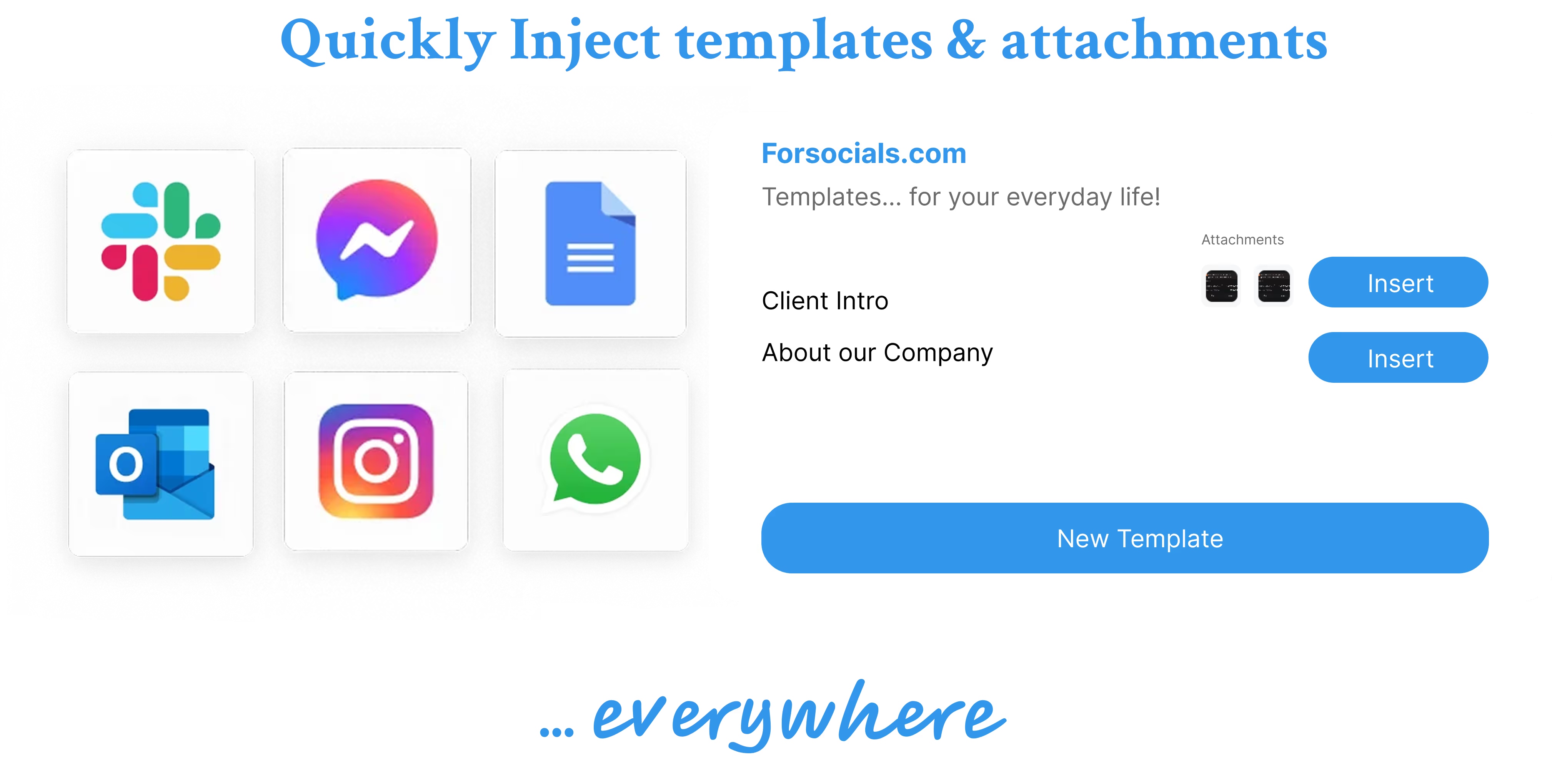
Templates: Save, Reuse, and Never Type the Same Response Twice
Nov 19, 2025
Reddit Comment Examples That Feel Helpful, Not Generic
Apr 14, 2026
The Hidden Cost of Typing the Same Message Twice (and How to Stop)
Dec 10, 2025
How to Build a Social Media Engagement Strategy That Actually Works (With AI Assistance)
Feb 20, 2026
Speech to Text for Meetings Without Leaving the Browser
Apr 7, 2026
How to Turn Notes Into an X Thread With AI
Apr 6, 2026