
- Apr 10, 2026
- 6 min read
Instagram Comment Strategy for Creators: How to Engage Faster Without Repeating Yourself
A practical guide to writing better Instagram comments faster, with help from AI tools that keep engagement consistent.
Instagram growth is often framed as a posting problem, but for many creators it is actually an engagement problem. If you only publish and rarely comment, your visibility plateaus. The trouble is that writing meaningful comments every day gets repetitive fast. That is where an AI Instagram comment generator becomes useful, especially when you want to stay active without recycling the same bland lines.
Good Instagram comments do not have to be long, but they do have to feel specific. The easiest mistake is defaulting to low-value reactions like 'Love this' or 'So good.' They are fast to type, but they do almost nothing for conversation depth. Better comments reference a detail in the post, reflect emotion, or add a short insight that invites a reply.
One practical approach is to build three comment modes for yourself. The support comment validates the creator and adds one specific reason. The observation comment points out a detail or lesson you noticed. The conversation comment asks a short question that opens the thread. Those three patterns cover most of what you need for daily engagement without making you feel formulaic.
AI becomes useful when it helps you generate those first options quickly. The broader AI reply generator can suggest different angles under a post, while the Instagram-specific workflow narrows that use case around creator and brand engagement. The goal is not to post untouched AI text. The goal is to reduce the blank-page moment.
Creators who comment consistently also benefit from saving their strongest phrasing patterns. If you often respond to launches, milestones, carousels, or educational posts, the AI templates workflow helps you turn those repeated situations into reusable starting points. That keeps your tone steady while still leaving room to personalize.
Instagram comments work best when they feel quick, present, and human. AI helps when it removes repetition, not when it erases personality. If you want the page focused specifically on this use case, visit the AI Instagram comment generator.
Was this post helpful?
Explore Related Features
Reply Guy
Generate contextual replies on Instagram, Facebook, X, LinkedIn and Reddit with this AI reply generator. ForSocials shows Agree, Disagree, and Congratulate buttons below each post so you can respond instantly with AI-generated replies. Each click gives you 3 suggestions tailored to the conversation.
Learn MoreRelated workflows
If you want to go deeper, explore AI reply generator and Instagram comments to connect this topic to the broader ForSocials workflow.
Related articles
The AI Rewriter That Gives You 3 Professional Alternatives in Seconds
Nov 26, 2025
AI Email Rewriter for Outreach, Follow-Ups, and Professional Messages
Apr 9, 2026

Chat with AI on Any Website — Without Opening a New Tab
Dec 3, 2025
How to Write Better LinkedIn Replies With AI Without Sounding Generic
Apr 11, 2026
Why Your Emails Sound Wrong (And the AI Fix That Takes 10 Seconds)
Dec 10, 2025

How Browser-Based AI Transcription Is Replacing Clunky Desktop Software for Meetings and Lectures
Dec 28, 2025
Why Most AI Writing Tools Are Quietly Training on Your Emails (And What to Do About It)
Dec 10, 2025

AI Writing Workflows That Save Time Without Making Your Writing Sound Robotic
Apr 5, 2026
Reply Guy: How AI-Powered One-Click Replies Are Changing Social Media Engagement
Nov 12, 2025

Best AI Chrome Extension for LinkedIn Prospecting and Faster Outreach Workflows
Apr 9, 2026
Best AI Tools for Social Media Engagement When You Want Faster Replies and Better Flow
Apr 4, 2026
The 7 Best AI Chrome Extensions for Productivity in 2025 (Tested and Compared)
Feb 5, 2026
Best LinkedIn Comment Examples for More Engagement Without Sounding Forced
Apr 12, 2026

Best X Reply Examples for Faster Engagement Without Sounding Forced
Apr 14, 2026
Browser AI Assistant vs Switching Tabs: Which Workflow Actually Saves Time?
Apr 8, 2026

The Science Behind Viral Threads: How AI-Generated Thread Structures Outperform Single Posts on X
Jan 15, 2026
Canned Responses for Customer Support That Still Feel Human
Apr 7, 2026
Stop Switching Tabs: How to Use AI While You Browse (Without Losing Your Place)
Dec 10, 2025
How to Answer Reddit Threads More Helpfully With AI
Apr 14, 2026
How to Build a Better Instagram Caption Workflow With AI
Apr 14, 2026
How to Build a Better X Reply Workflow With AI
Apr 14, 2026
How to Build a Reusable Support Reply Library That Saves Time Every Week
Apr 8, 2026
How to Comment on Instagram Posts Consistently Without Burning Out
Apr 11, 2026
How to Reply on X Faster Without Sounding Like Everyone Else
Apr 14, 2026
How to Rewrite Follow-Up Emails With AI So They Sound Clearer and More Professional
Apr 10, 2026
How to Turn Rough Notes Into LinkedIn Posts With AI
Apr 14, 2026
How to Use AI for Reddit Replies Without Sounding Fake
Apr 14, 2026
How to Write Instagram Captions Faster With AI
Apr 14, 2026
How to Write LinkedIn Posts With AI That Still Sound Like You
Apr 14, 2026
How to Write X Threads Faster Without Losing Structure
Apr 5, 2026
Instagram Caption Examples That Are Better Than Basic Prompts
Apr 14, 2026
LinkedIn Post Examples for Thought Leadership That Don't Sound Fake
Apr 14, 2026
Meeting Transcription in the Browser: A Faster Workflow for Notes and Follow-Ups
Apr 6, 2026
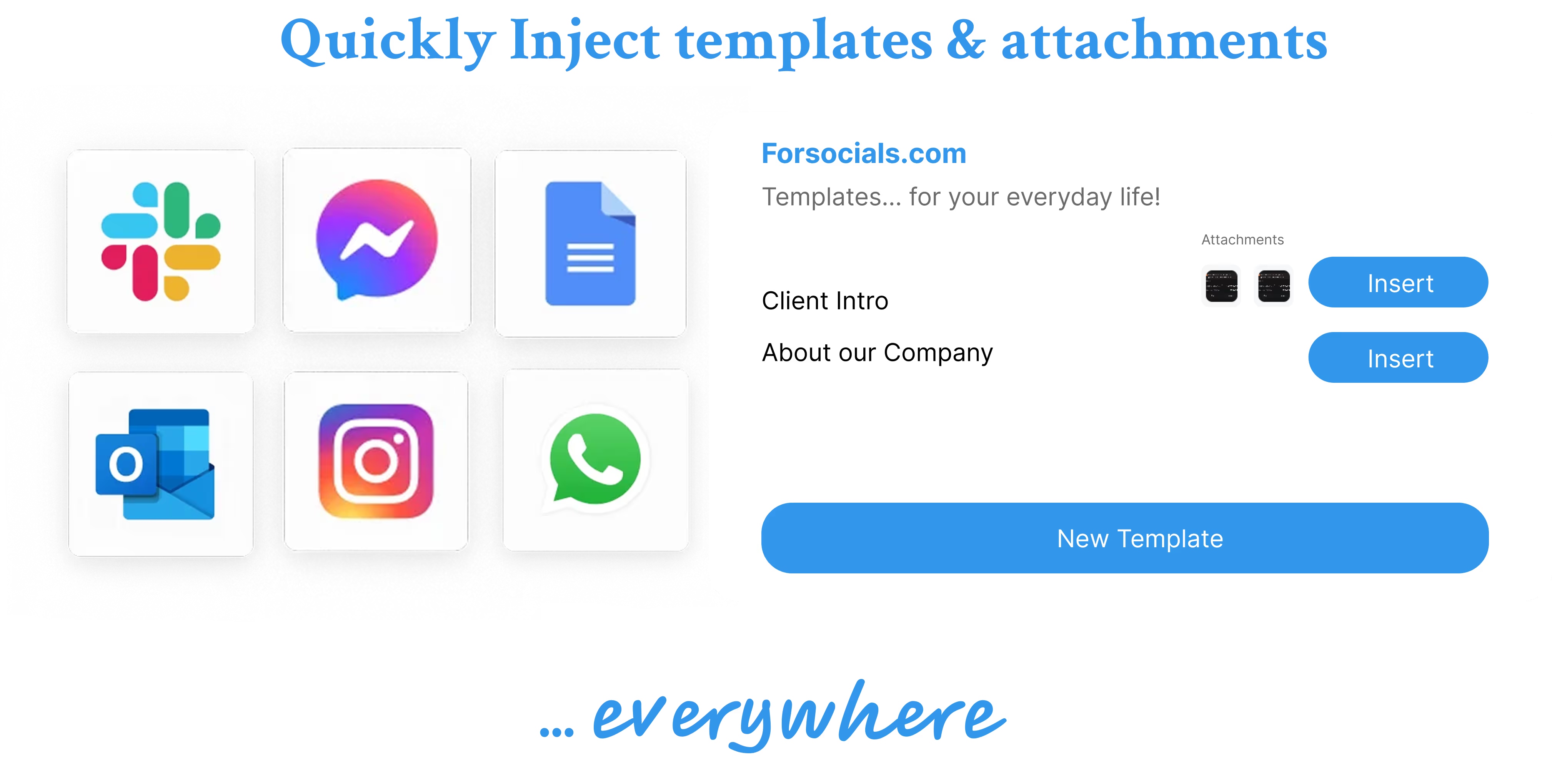
Templates: Save, Reuse, and Never Type the Same Response Twice
Nov 19, 2025
Reddit Comment Examples That Feel Helpful, Not Generic
Apr 14, 2026
How to Reply to 50 Social Media Posts in Under 10 Minutes (Without Sounding Like a Bot)
Dec 10, 2025
The Hidden Cost of Typing the Same Message Twice (and How to Stop)
Dec 10, 2025
How to Build a Social Media Engagement Strategy That Actually Works (With AI Assistance)
Feb 20, 2026
Speech to Text for Meetings Without Leaving the Browser
Apr 7, 2026
How to Turn Notes Into an X Thread With AI
Apr 6, 2026